Have you ever tried to transfer a file and realized you couldn't trust the network you were on? Or maybe you needed to share a PDF with someone, but didn't want to expose your personal phone number or email to do it?
Today, I am incredibly excited to announce the official launch of OptiDrop: QR File Transfer, a revolutionary web application that transfers your files purely through light.
You can try it out instantly right now at: https://optidrop.sydney.it.com/
The Origin Story: Built Out of Necessity
The idea for OptiDrop came from two very different environments that shared the exact same problem: privacy and access.
The first was during my Cisco Networking Labs in my second semester of university. We constantly needed to save router configurations and screenshots, but the lab's internet was untrusted. I absolutely refused to log into my personal accounts on shared virtual devices just to email myself a .txt file. Standard tools like AirDrop or Wi-Fi transfer were useless due to strict subnetting rules. I ended up building a custom terminal upload tool using curl, but it was clunky, required remembering passwords, and completely failed when my home server crashed one afternoon.
The second environment was local print shops back in Nepal. To print a simple document, you usually have to send your files to the shop owner via WhatsApp or email. This required sharing personal phone numbers, which unfortunately led to several of my female friends receiving spam calls. They lost their privacy just to print a PDF.
As someone passionate about Cyber Security, Cryptography, and Zero-Knowledge architecture, I knew there had to be a better way. I needed a simple tool to transfer files instantly—without logging in, without cables, and without exposing a single piece of personal information.
How OptiDrop Works
OptiDrop completely bypasses the internet, Bluetooth, and local networks. Instead, it transfers files visually.
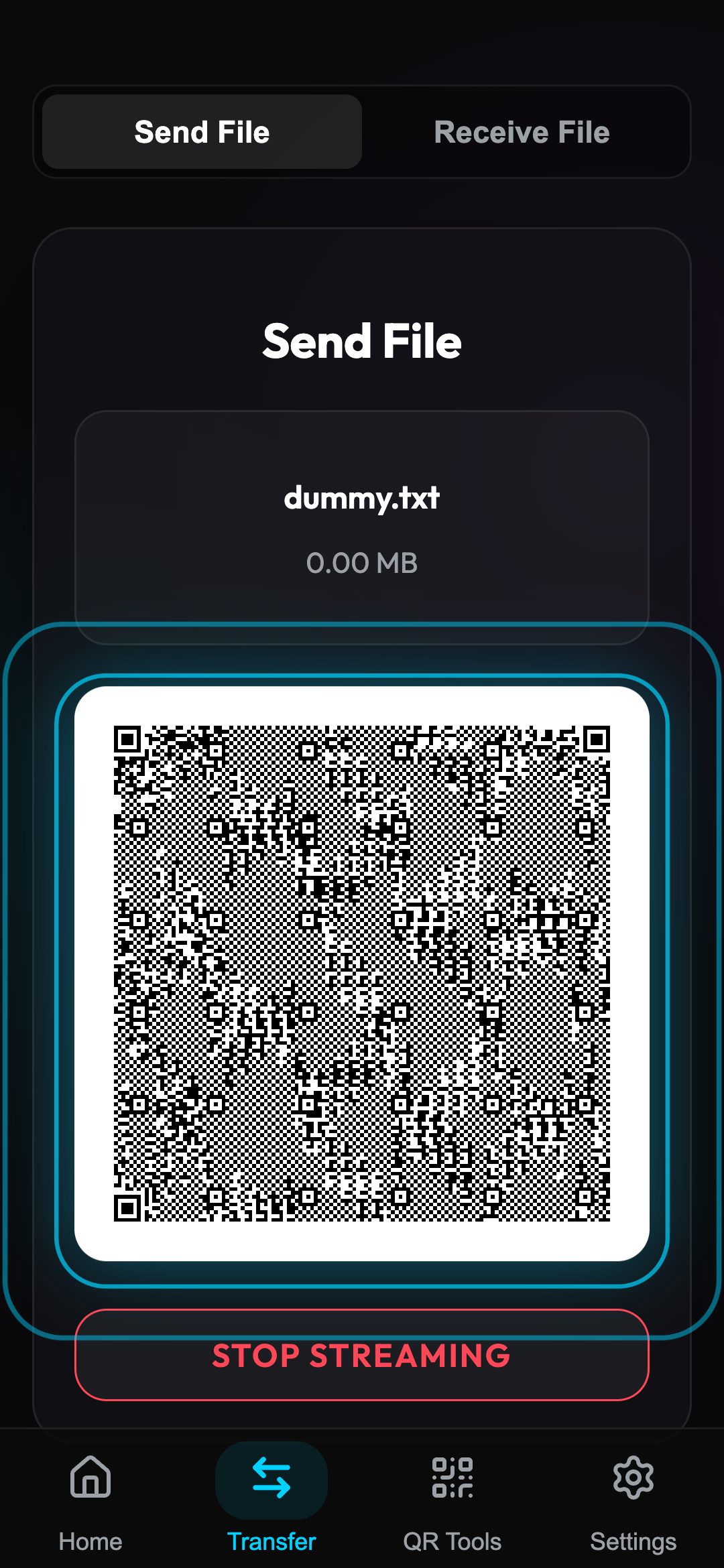
When you select a file to send, OptiDrop converts the file's binary data into a blazing-fast, 30-frames-per-second stream of QR codes.
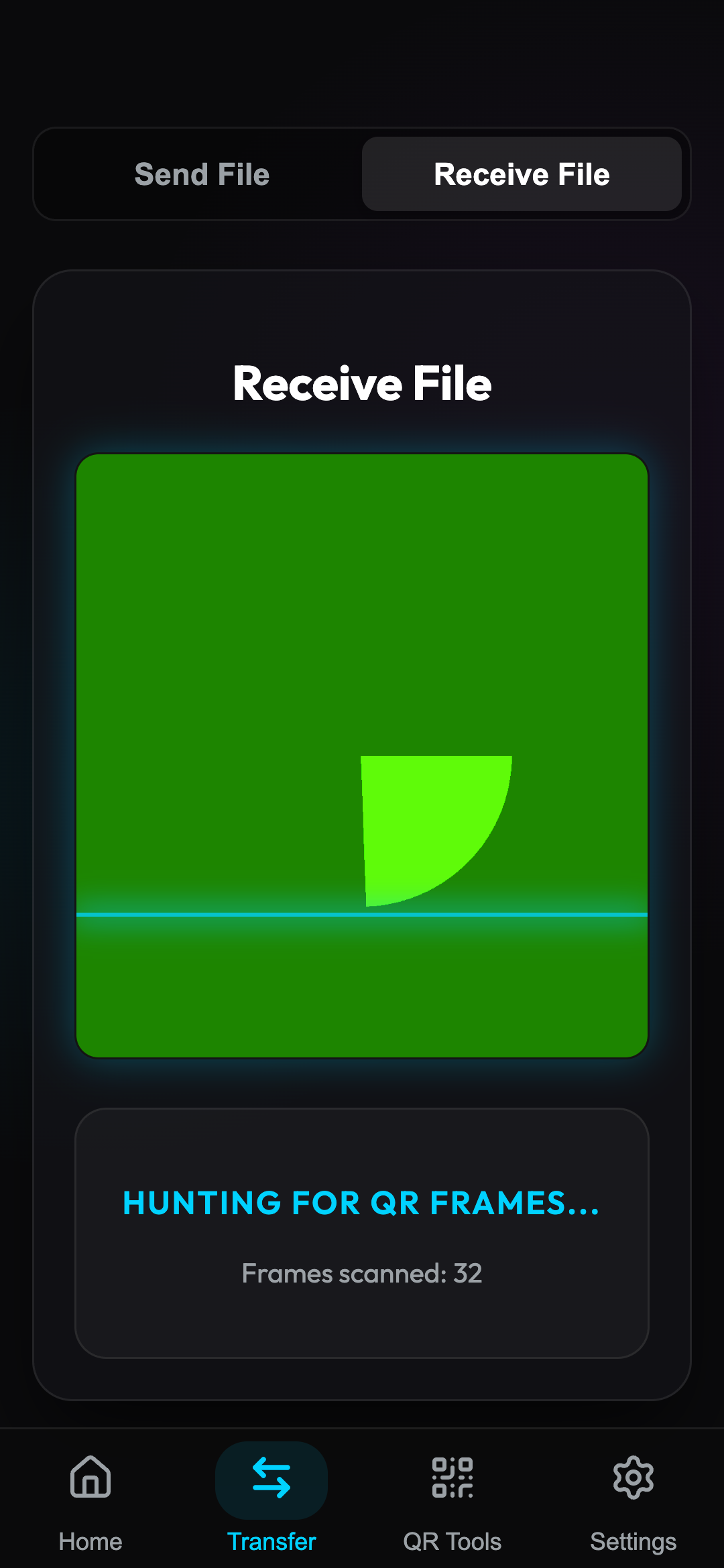
The receiving device simply opens the OptiDrop camera scanner. The app acts like a high-tech HUD, scanning the flashing QR codes, decoding the data in real-time, and reconstructing your file instantly.
Privacy By Design
Because the transfer happens entirely through your screen and camera:
- Zero Internet Required: It works in basements, airplanes, and highly secured IT labs.
- Zero Credentials: No accounts, no pairing, and no shared phone numbers.
- Zero Trace: What you see is exactly what gets transferred. When you close the app, there is no trace left behind.
Try It Today
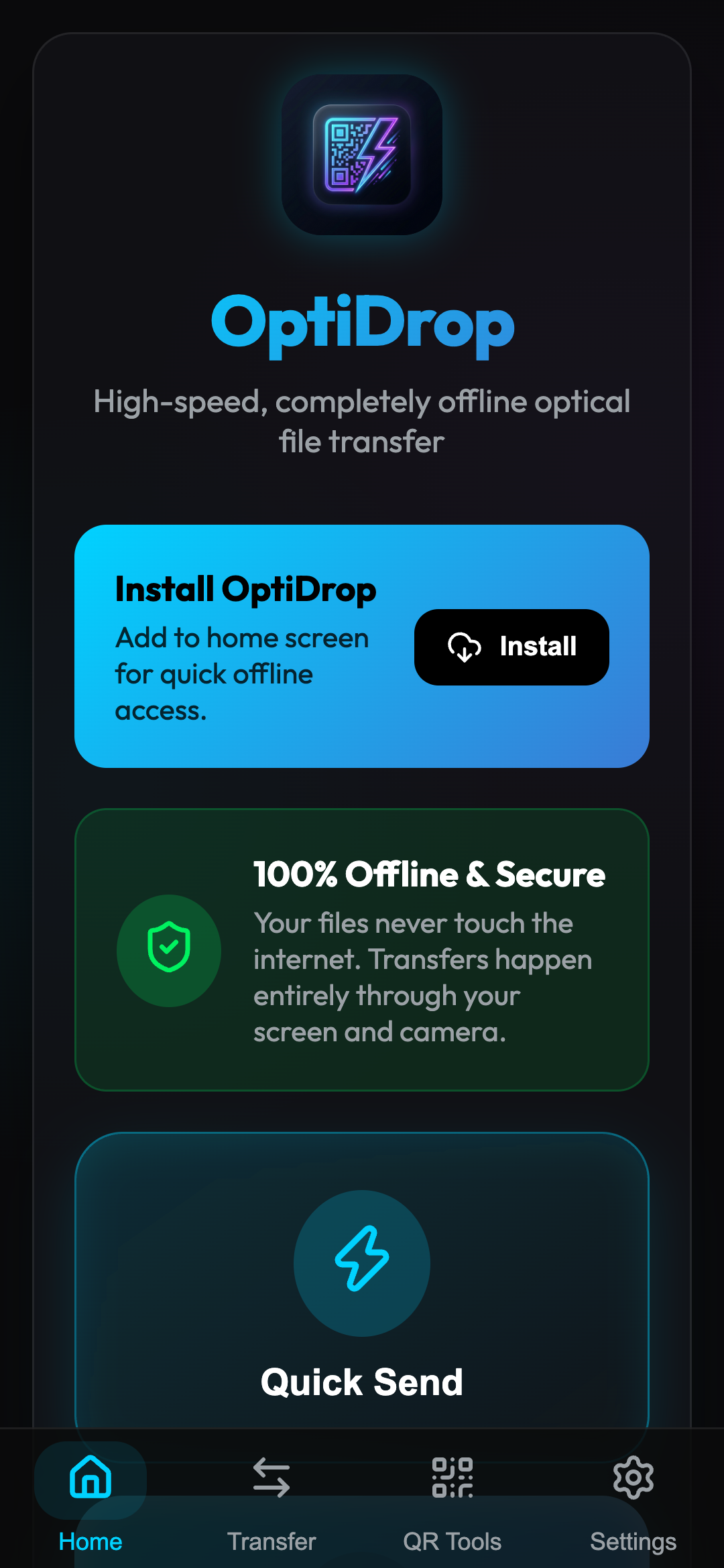
OptiDrop is built as a Progressive Web App (PWA), which means you don't even need to download it from an app store. You can visit the website, click "Install" (or "Add to Home Screen" on iOS), and the app will instantly install on your device for completely offline use.
Ready to try the magic of optical file transfer?
Visit https://optidrop.sydney.it.com/ and let me know what you think!
Looking to build a premium application?
If you need a freelance developer in Sydney who obsesses over native performance, fluid UI/UX, and robust architecture, let's talk about your next project.
Hire a Freelance Developer in Sydney